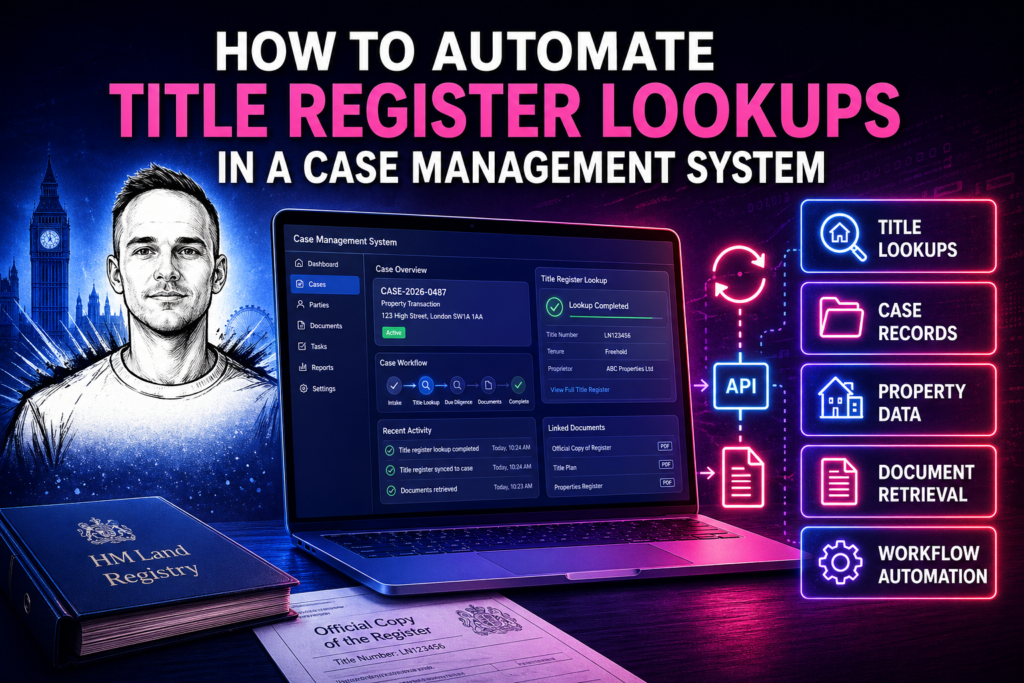
A title register lookup in the Land Registry portal takes five to ten minutes. Log in, enter the title number, order the copy, wait, download, rename the file, file it against the matter. For a conveyancing firm handling twenty completions a month, that’s two to four hours of staff time on title searches alone — before you add in charge searches, bankruptcy searches and pre-completion checks.
The same lookup via the Business Gateway API takes milliseconds. The result is written directly to the case management record. No portal, no download, no filing. This is what title register automation actually means in practice, and this post explains how the integration works.
The manual process it replaces
To understand the integration, it helps to map what currently happens manually at each stage of a conveyancing transaction where Land Registry is involved:
Matter opening: Fee earner receives instructions, manually searches the title, orders an official copy, downloads it, renames it and attaches it to the matter. Often done inconsistently — some fee earners do it at opening, others wait until later.
Pre-contract: Official copies of register and title plan ordered. Filed against the matter. Charges and restrictions noted in the report on title.
During transaction: If concerns arise about the title or the client’s identity, a fresh title search may be run to check for recent changes.
Pre-completion: Official search of whole with priority submitted. Bankruptcy search run against buyer’s name. Results filed and acted on.
Post-completion: Application submitted to register the transfer or charge. Application tracked until completion confirmed by Land Registry.
Every one of those steps currently involves someone manually interacting with the Land Registry portal. Every one of them can be automated.
How the automation works
The integration sits between the Business Gateway API and your case management system. It watches for trigger events in your case management system — matter created, stage changed, task completed — and fires the appropriate Land Registry API call when each trigger fires.
At matter opening, the trigger is the creation of a new matter record with a title number. The integration calls the Business Gateway title register endpoint, receives the structured response (proprietor name, registered address, charges, restrictions) and writes those fields to the matter record. The official copy document is stored against the matter. The fee earner reviewing the new matter sees the title data already populated — no portal login required.
At pre-contract, the trigger is progression to that stage in the workflow. Official copies are ordered automatically, filed against the matter in the correct location, and a task is marked complete. Pre-completion triggers the official search of whole and the bankruptcy search simultaneously. Results are returned and filed.
What the integration layer looks like technically
The integration is a server-side application — typically a PHP, Node or Python service — that handles three things: authenticating with Business Gateway, responding to triggers from your case management system, and writing responses back to the correct record.
Authentication with Business Gateway uses Basic auth credentials plus a mutual TLS client certificate. The certificate is issued by HM Land Registry to your firm — it’s specific to your Business Gateway account and cannot be shared or used from a public-facing tool. All authenticated requests go through the server-side integration layer; the credentials never appear in client-side code.
The triggers from your case management system can come from webhooks (if your system supports them), polling (the integration checks the case management system for new events on a schedule), or direct API calls. The right approach depends on what your case management system supports.
Responses from Business Gateway are mapped to your case management system’s data model. Business Gateway returns structured JSON. Your case management system has specific fields, specific document storage locations, and specific naming conventions. The mapping layer translates between the two before writing the result.
Error handling matters more than people expect
Title register lookups don’t always return clean results. Unregistered land returns no result — the property isn’t on the register. New builds sometimes have title numbers that exist but register entries that aren’t yet fully populated. Shared ownership and leasehold titles have complex structures. Properties with multiple titles require multiple lookups.
Error handling in a title register integration isn’t an afterthought — it’s a significant part of the build. Every failure case needs a clear outcome: is the matter flagged for manual review? Is a task created for the fee earner? Is a specific error message logged against the matter? A poorly handled error that silently fails is worse than a manual process, because the manual process at least has a human in the loop.
The integrations I build include explicit handling for all common error states: unregistered titles, titles not found, API rate limits, authentication failures, and Land Registry service unavailability. Each has a defined fallback that keeps the matter moving without losing data.
What you get on handover
Every integration ships with a technical document covering the architecture, how credentials are managed, how to extend the integration for new trigger points, and how to handle the most common failure cases. The goal is an integration your firm can run independently — not one that requires ongoing involvement from the developer for routine maintenance.
For a full overview of what’s included in a Land Registry integration and the three pricing tiers, see the Land Registry API integration service page. The Price Paid demo tool demonstrates the public data layer — the same integration pattern used for the Business Gateway build. For what the integration costs, see the cost breakdown. And for conveyancers specifically, the Land Registry API for conveyancers post covers the workflow implications in more detail.
Related posts
Need a custom integration built?
I build custom API integrations — Stripe, Companies House and bespoke data pipelines. Reliable, well-documented, no agency overhead.
Discuss your project →