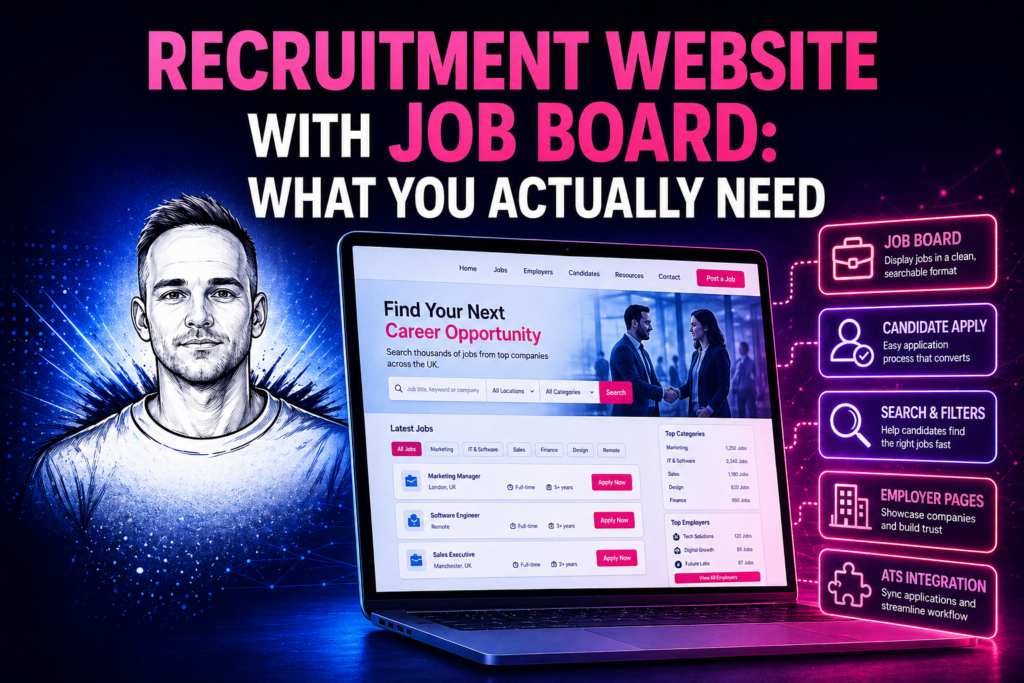
Most recruitment agencies want a job board on their website. The question is what kind. There are three meaningfully different options — a self-managed board you update in WordPress, a live feed from your ATS that updates automatically, and a syndication setup that pushes your jobs out to CV-Library, Indeed and other job boards simultaneously. They’re not interchangeable, and the right one depends on how your agency actually operates.
Option 1: Self-managed job board in WordPress
You post and manage vacancies directly in WordPress admin. The job board is built into your website — no separate system, no ATS required. You create a job post, fill in the title, description, location, sector, salary range and job type, set it to active, and it appears on the website. When it’s filled, you close it in WordPress and it disappears from the site.
Candidates visit the job page, apply via a per-vacancy form with CV upload, and the application is delivered to your inbox. You work the application in whatever system you use — Bullhorn, a spreadsheet, email — the website doesn’t know or care.
This is the right option if you don’t have an ATS, if your ATS doesn’t have a usable API, or if you’re a small agency where manually posting jobs to the website is a realistic part of the workflow. It’s fast to set up, straightforward to manage, and costs significantly less than a full ATS integration.
The limitation is that it’s a parallel system. When a job is filled, someone has to close it in both Bullhorn and WordPress. When a job changes — salary updated, title tweaked — someone has to update both. For agencies posting ten or twenty jobs a week, this overhead is manageable. For agencies with a constantly moving job feed of fifty or more roles, it becomes a maintenance burden.
Option 2: Live ATS job feed
Your ATS — Bullhorn, Vincere, Jobadder — is the single source of truth. Jobs appear on your website automatically when they’re posted in the ATS and disappear when they’re closed. No duplicate data entry. No parallel management.
Candidate applications submit back into the ATS directly — candidate record created, CV attached, application linked to the job, workflow triggered. Consultants see every application in Bullhorn alongside applications from other sources. The website is an extension of the ATS, not a separate thing running alongside it.
This is the right option for agencies where the ATS is the operational centre of the business, where consultants live in Bullhorn or Vincere all day, and where the job count is high enough that manual website maintenance isn’t realistic. It’s also the right option when you’re thinking seriously about candidate experience — a live feed means candidates always see current roles, not a stale snapshot of what was posted last week.
The tradeoff is cost and setup time. A live ATS job feed requires a server-side integration — authentication with your ATS’s API, a proxy layer, caching, rate limit handling, field mapping, application routing. This is a proper development project, not a plugin. On the right build it’s invisible to users and maintenance-free once it’s running, but it takes longer and costs more to set up than a self-managed board.
Option 3: Job syndication
A different problem. Syndication is about pushing your jobs out to external job boards — CV-Library, Reed, Indeed, Totaljobs — from your website or ATS, rather than pulling candidate applications in. CV-Library’s API lets you post active jobs from your website to their database and pull applications back.
Syndication and a job board aren’t mutually exclusive — many agencies run both. The job board on their website serves candidates who find them directly. Syndication to CV-Library or Indeed captures the much larger pool of candidates who search there first.
What candidates actually need from a job board
The features that matter to candidates using a recruitment website job board are simpler than most agencies assume. Search and filter by sector, location and job type. A clear job description page with the key details — title, location, salary range, employment type, a description that doesn’t just paste in the job spec. A short application form — name, email, phone, right to work, CV upload, optional covering note. An immediate acknowledgement that the application was received.
What candidates don’t need: mandatory registration before applying, ten-page application forms, a candidate portal with a login they’ll never use again. All of those features exist in specialist recruitment platforms and most of them reduce application volume rather than improving candidate quality.
Making the job board rank on Google
Individual job listing pages can rank in Google Search for specific job searches — “finance jobs Leeds,” “junior developer jobs Manchester” — if they’re structured correctly. Google for Jobs pulls from pages that have structured JobPosting schema markup. Adding schema to your individual job pages means your listings are eligible to appear in that carousel, which generates clicks without needing to rank organically for competitive terms.
The sector pages on your recruitment website — “Finance Recruitment,” “Tech Recruitment,” “Legal Recruitment” — support this by building topical relevance around the sectors you work in.
Which option is right for your agency
New or small agency, under 20 active jobs at a time, no ATS or ATS without API access: self-managed board in WordPress is the right call. Growing agency, 20+ active jobs, consultants living in Bullhorn or Vincere, job data moving too fast for manual website updates: live ATS feed is the right option.
Both are available as part of the recruitment website design service — the Professional tier covers the self-managed board, the Full Integration tier covers the live ATS feed. If you’re unsure which is right for your situation, describe what you need in one line and I’ll come back with a straight answer.
Related posts
Need help with your website?
I work directly with small businesses on web design, WordPress fixes, Shopify support and local SEO. No agency overhead.
Get in touch →