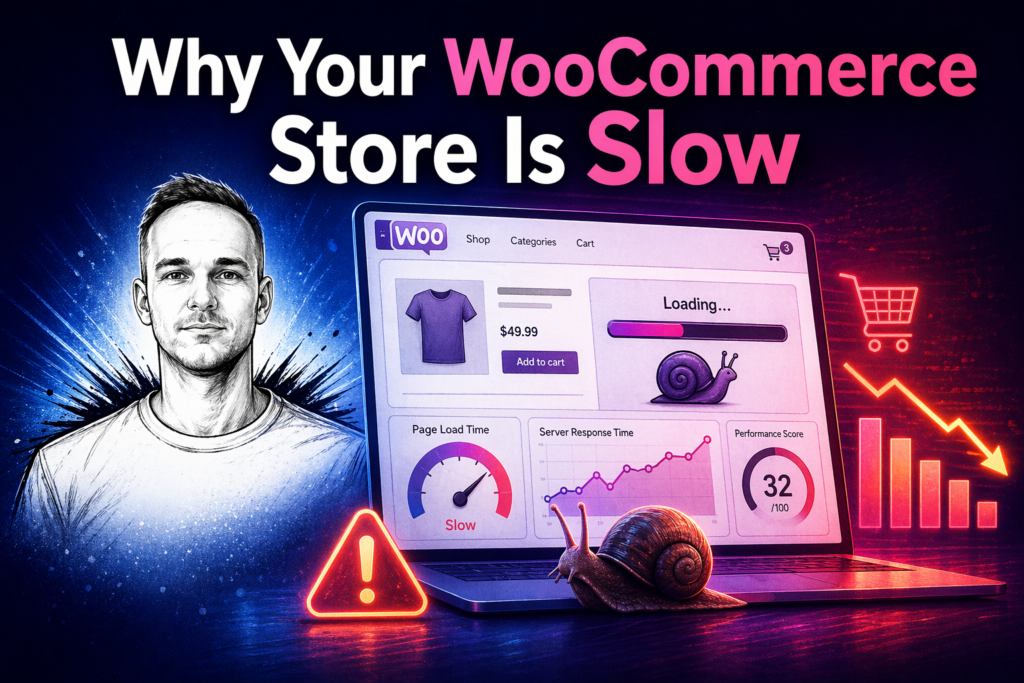
A slow WooCommerce store loses customers. Research consistently shows that shoppers abandon pages that take more than a few seconds to load — and for ecommerce, every second of delay reduces conversions.
If your WooCommerce store is loading slowly, there are a handful of causes that come up repeatedly. Most of them are fixable without rebuilding the site from scratch.
1. Too many plugins
WooCommerce stores accumulate plugins quickly — payment gateways, shipping calculators, review tools, upsell apps, abandoned cart plugins. Each one adds to your page load time. Some conflict with each other and cause slowdowns that are hard to diagnose.
Audit your plugins regularly. If you are not actively using something, deactivate and delete it. If something is running scripts on every page load and you only need it occasionally, there may be a lighter alternative.
2. Large unoptimised product images
Product images are usually the biggest contributors to slow WooCommerce pages. A single uncompressed product photo can be several megabytes. Multiply that across a product grid and the page becomes very heavy.
Images should be compressed before upload and served in modern formats like WebP where possible. WordPress handles some of this automatically from version 6.1 onwards, but many older images on established stores will not have been optimised.
3. No caching
WooCommerce pages are generated dynamically by PHP on every request by default. Without a caching layer, every visitor causes the server to rebuild the page from scratch. A caching plugin stores a static version of the page so subsequent visitors get it instantly.
The cart, checkout and account pages cannot be cached because they contain user-specific content — but product pages, the shop page and category pages can and should be.
4. Slow or shared hosting
WooCommerce is more resource-intensive than a standard WordPress blog. If your site is on shared hosting at a very low price point, you may simply not have enough server resources to run it efficiently. This is especially true if your store has grown since you originally launched.
5. Database bloat
WooCommerce writes a lot of data to your database — orders, sessions, transients, logs. Over time this accumulates and slows down queries. Regular database maintenance clears out the unnecessary data and keeps things running efficiently.
What to do next
If your WooCommerce store is slow and you are not sure where the problem is, the first step is running a speed test through a tool like GTmetrix or PageSpeed Insights. This will show you which resources are taking the longest to load and give you a starting point for fixing it.
If you would rather have someone look at it for you, I offer WordPress and WooCommerce fixes for small business stores. I can diagnose what is causing the slowdown and fix it without rebuilding anything that does not need rebuilding.
Need help with your website?
I work directly with small businesses on web design, WordPress fixes, Shopify support and local SEO. No agency overhead.
Get in touch →